Actions Page
The Actions page lists all the tasks that currently need your attention to complete.
For each action you will see listed:
- Details of the action
- The site to which the action is related
- How long ago the action was raised for your attention. If it was raised today, you will see what time it was raised. Otherwise you will see the date it was raised.
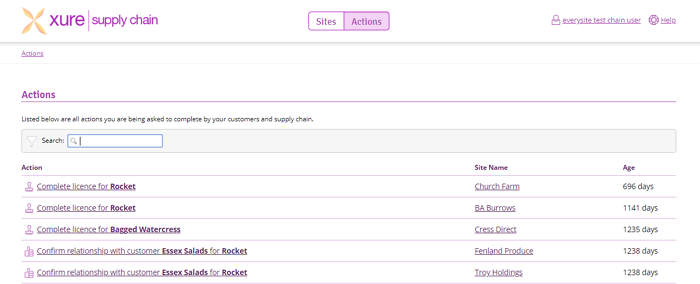
You can click on the action to be direction to the page you need to go to to complete the action, or click on the site name to go to the site it relates to.